Customer menu
 Firas pizza
Classic Pizzas1
Tenant CMS
Edit Item
Step 1 of 5Photos
Photos
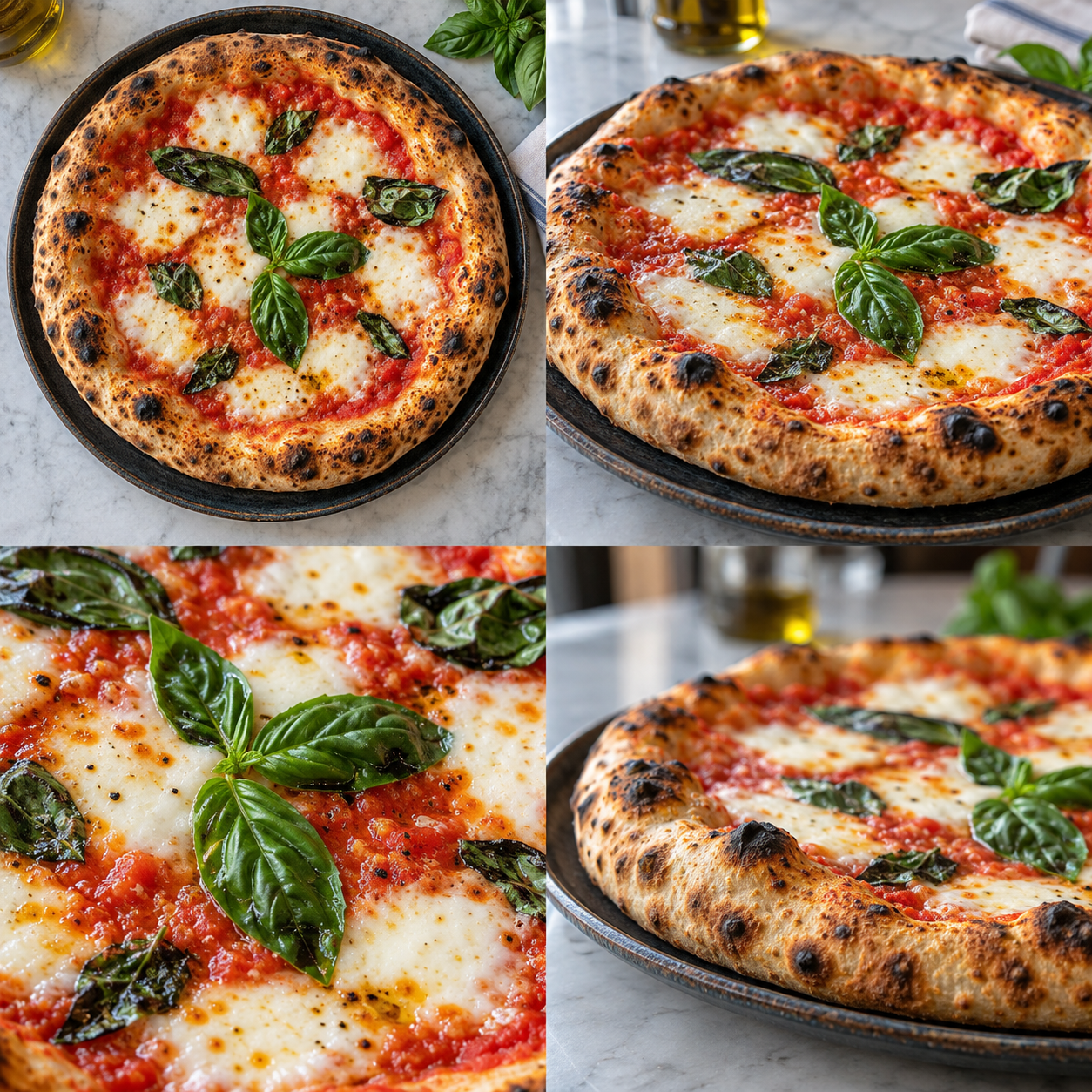
1 / 4 Photos
JPG, PNG or WebP. Up to 10 MB per photo.
An interactive sample using generated dish photos. Upload and save actions are simulated; your live menu is never changed.
Why it matters
Show every angle, topping, and delicious detail. Add photos to the same dish from your dashboard, then let customers explore its photo grid and swipeable gallery before they order. Multiple photos per item are available on supported plans.
What you get
Multiple photos for one dish on supported plans
Photo grids directly on menu cards
Swipeable galleries in item details
Fast image delivery through a global CDN
How it works
01
Add more angles
Open a menu item's Photos step in the CMS and select the images you want to add.
02
Save your changes
Your photos appear together in a grid on the customer-facing menu card.
03
Let guests explore
Customers tap the dish and swipe through its photos in the item details.
Explore this group — Your digital menu
Ready to put this to work?
Start your free trial and turn it on in minutes.
Start Free Trial